
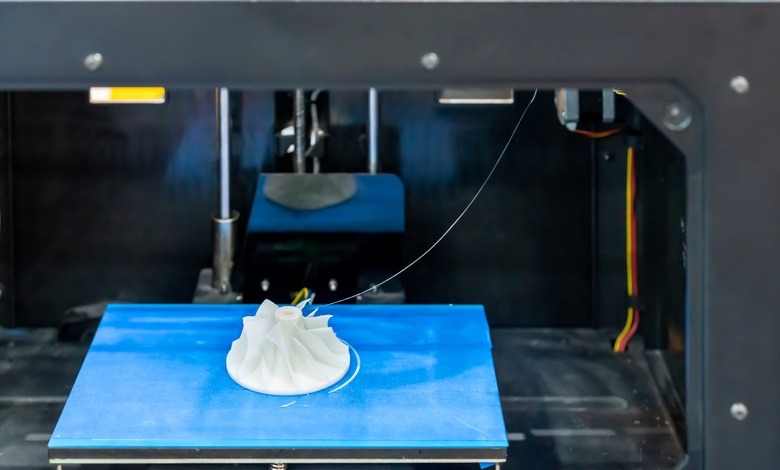
What To Do When Your 3D Print Is Stuck to the Bed
A stuck print is a common issue and can happen due to factors like excessive bed adhesion, incorrect printer settings, or material-related challenges. While it’s undoubtedly frustrating, there are a few tips and tricks to help you remove your print before breakage occurs.
To help you save time, prevent damage to your printer, and achieve better results on future projects, here’s what to do when your 3D print is stuck to the bed.
Try the Freezer Technique
If your 3D print simply won’t budge, one of the easiest solutions is removing the entire print bed and placing it in the freezer for 15 to 30 minutes. The cold temperature causes materials to contract slightly, often loosening the bond between the print and the bed.
After some time in the freezer, the print should either pop off on its own or require very little effort to remove. Just be cautious when handling the bed afterward, as it can be cold and slightly slippery.


Use a Spatula or Scraper
It might not be a part of your current tool kit, but a scraper is a must-have for every maker. Carefully wedge a thin tool, such as a printer-friendly spatula or putty knife, under the edge of the print.
Use gentle, even pressure to avoid scratching your print bed. Use tools specifically designed for 3D printing, as they’re crafted with materials and shapes that reduce the chances of damaging your printer’s surface. Patience is key here; trying to force the print off in one go may lead to breakage.
Leverage Alcohol or Solvent
If your print is truly stuck, adding a chemical solvent to the mix can be very effective. Simply apply a small amount of isopropyl alcohol or acetone around the edges of the print. These substances break down adhesives and reduce friction, especially if the print material is compatible with the solvent.
Wait a few moments to allow the solution to seep in and weaken the bond, then peel the print. However, always double-check that your print bed surface can withstand chemical treatments before applying.
Swap Your Current Bed for a Flexible One
Another solution if your 3D prints get stuck to the bed is to upgrade the bed itself. Specially designed beds allow you to flex or bend the surface slightly, which releases the 3D print with minimal effort.
Many flexible beds contain materials like spring steel, making them durable and easy to use. Plus, they eliminate the need for excessive tools or techniques during print removal. If you’re shopping for a new 3D printer or improving your current setup, consider this upgrade for a smoother printing experience and less hassle over the long term.
Dealing with a stuck 3D print can feel like a roadblock, but it’s also a chance to level up your process. Think of each hiccup as a puzzle waiting to be solved, bringing you one step closer to becoming a true 3D printing pro.